
Setting up a payment plan or installment agreement is likely the most popular feature Headnote offers. To do so, please follow these steps:
- Click the “Request Payment” button on your dashboard:
2. Choose the “Custom Link” tab

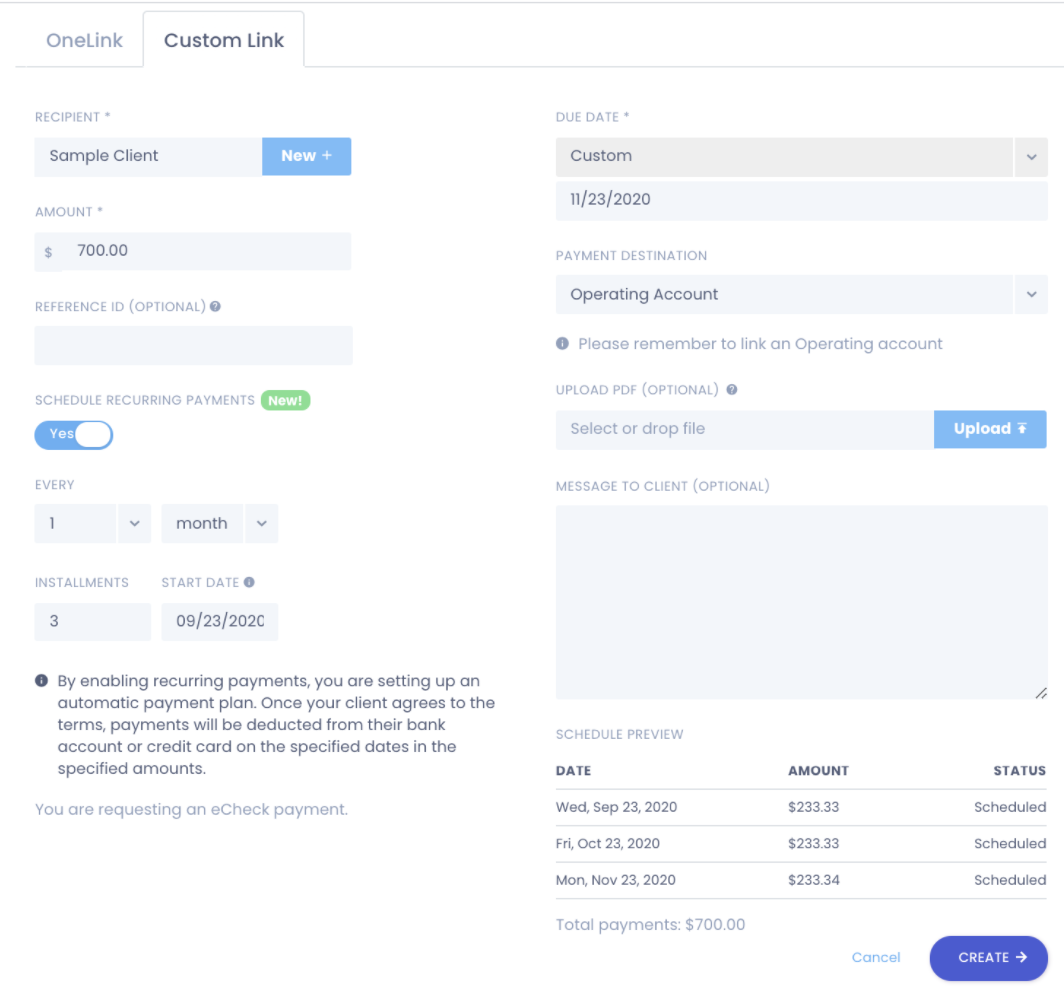
3. Fill out the Custom link page. Make sure to complete the following:
- Enter the client receiving the Custom Link
- Enter the total amount your client owes you
- Enter the Due Date
- Choose the payment destination (Operating or Trust account)
- Toggle the “Recurring Payments” button to Yes.
- Customize the recurring payment plan
4. Once satisfied, click the “Create” button
5. Copy and paste your Custom Link
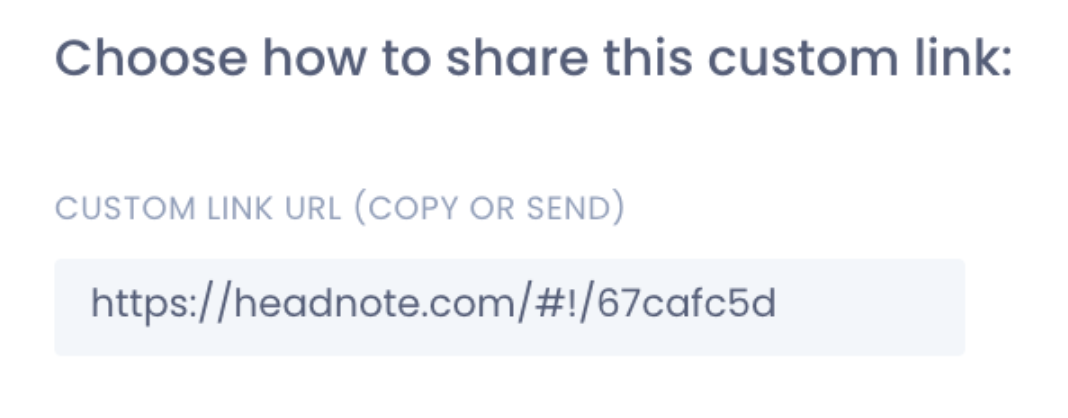
6. Send it to your client!
Comments
0 comments
Please sign in to leave a comment.